News & Events
The Ultimate Smart Home Spring Clean: A Maintenance Checklist
March 11th, 2026

As the days grow longer and the weather warms up just slightly, the first signs of spring are here. For many of us, after enjoying the comfort of our homes throughout winter, this time of year marks the tradition of spring cleaning. With a little more daylight, it’s a great time to start decluttering our living spaces, dusting the forgotten areas, deep cleaning the floors, and even polishing the silverware. However, for the modern home, it’s just as important to spring clean your smart home ecosystem.
Just like the rest of your home, your home automation systems, security setups and audiovisual technology all need regular maintenance to ensure they perform flawlessly. At Veritais, as smart home automation specialists, we know that a well-maintained smart home is the most reliable, comfortable, secure, and enjoyable.
To make sure your smart technology is in top shape for the rest of the year ahead, we’ve put together our ultimate smart home spring cleaning checklist.
Spruce Up your Smart Home This Spring
We like to split our smart spring clean into these 4 stages:
1. Digital Dusting: Update Software and Firmware
When was the last time that you checked for system updates? Smart control systems like Control4 frequently release firmware and software updates to introduce new features, improve device efficiency, and patch security vulnerabilities. The more you ignore these updates, the more likely your home is to experience slow or sluggish performance, and the more vulnerable you are to cyber threats.
- What to check: Whether you use Control4, Crestron, or another platform, open your smart control system app and check for system updates. You should also check individual devices for any updates: for example, check your smart TVs, wireless access points, and smart lighting hubs.
- Our pro tip: We recommend that whenever possible, you enable the “Auto-Update” function on all smart home devices. This allows for all systems to be updated while you sleep, ensuring that your control system is always running the latest software without the need for updates interrupting your daily routine.
2. The Perfect Picture: Recalibrate AV Systems
It’s important to remember that over the space of a year, the visuals of each room can change as you redecorate or move furniture around. When it comes to your home cinema room, or multi-room smart media setup, any movement of furniture or new decorative texture can have an effect on your audio and visual systems. Spring provides a good opportunity to recalibrate all AV equipment to ensure you’re getting the sharpest audio fidelity, or seeing your favourite films as the director intended them.
- Audio: If your AV receiver features room-correction software, take the opportunity to run the calibration process again. This will adjust the equalisation and timing of your speakers to account for any changes in the room’s layout or acoustics since you last calibrated.
- Visual: Make sure your display settings haven’t been accidentally altered by anyone messing with your remote control. As well as re-calibrating visual settings, you can also check your projector alignment, and carefully clean your TV screens and projector lenses using a microfibre cloth.
3. Clear Vision: Clean Camera Lenses
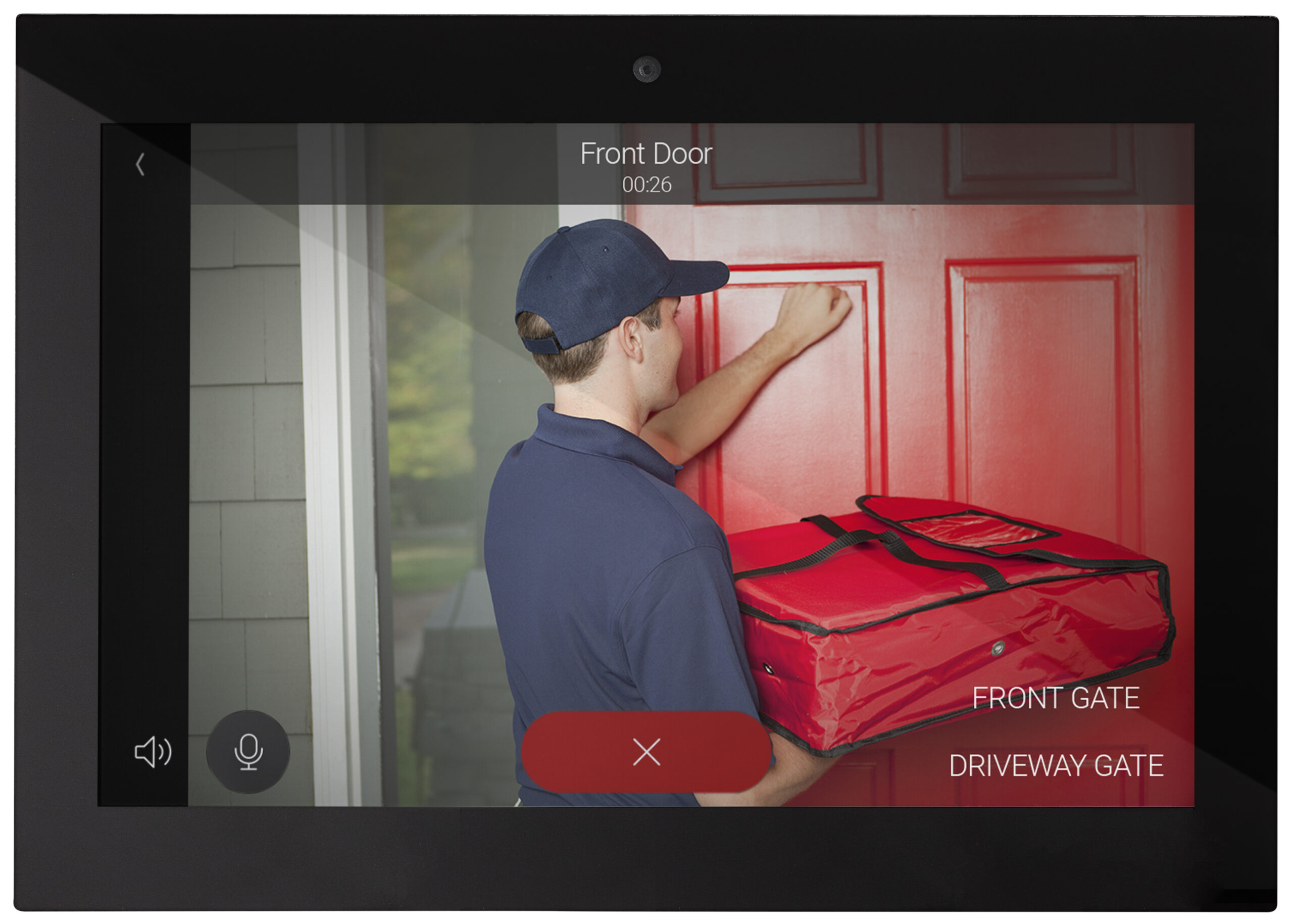
CCTV and smart doorbell cameras are an important part of security for any smart home, but they can’t provide much protection if they can’t see you clearly. Over the winter months, it’s normal for outdoor cameras to accumulate dust, water spots, and spider webs, leading to lower visibility. Indoor cameras can also fall victim to dust and smudges.
- Clean camera lenses: Use a dry microfibre cloth to gently wipe away loose dust or debris. For stubborn water spots or grime, a specialised lens cleaning solution can be used. Always avoid harsh chemical cleaning products, as these can strip away protective coatings on camera lenses.
- Our pro tip: While you are cleaning camera lenses, this is also a great opportunity to trim back any foliage or branches that might be obscuring a camera’s view.
 4. Safety First: Check Smoke and CO2 Detectors
For a home with smart smoke and carbon monoxide detectors, you can simply check them using your smart control system app, rather than having to use step ladders or broom handles to check their status.
- Important checks: Open your smart home or dedicated safety app to review the status of your smoke and carbon monoxide detectors. Your smart home control system will provide a real-time health report, including the functionality of sensors, and battery life.
- Our pro tip: Even if your app says that battery levels are at a suitable level, a spring clean is always a good opportunity to run a manual diagnostic test through the smart app to ensure all interconnected alarms sound off correctly. Should any batteries show to be below optimal levels, it’s advisable to replace them during your spring cleaning session, ensuring you aren’t caught without fully functioning sensors.
Smart Home Experts
Whilst these smart technology spring cleaning tasks are relatively simple, spring is also a good time of year to consider any upgrades, or to optimise your home automation settings. To get the most out of your smart devices and control system, a professional touch is always helpful.
Complex home cinemas, intricate network structures, and advanced home automation pre-sets can sometimes require expert diagnostics and tuning, and Veritais is here to help.
Contact our team of smart home and home entertainment specialists to arrange a survey of your smart systems, ensuring you are getting the most of your tech investments.